Receipts

Every receipt you lose costs you money.

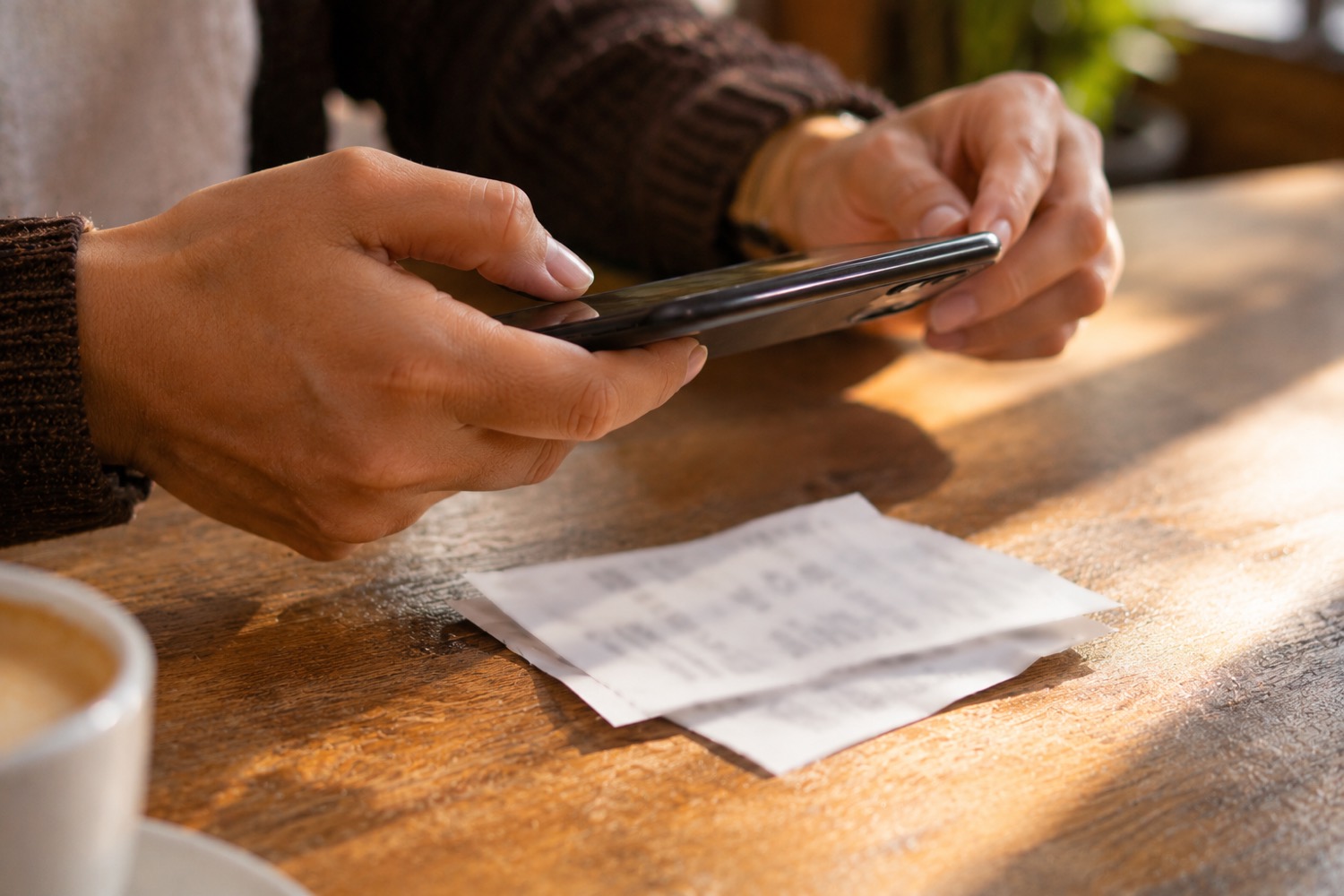
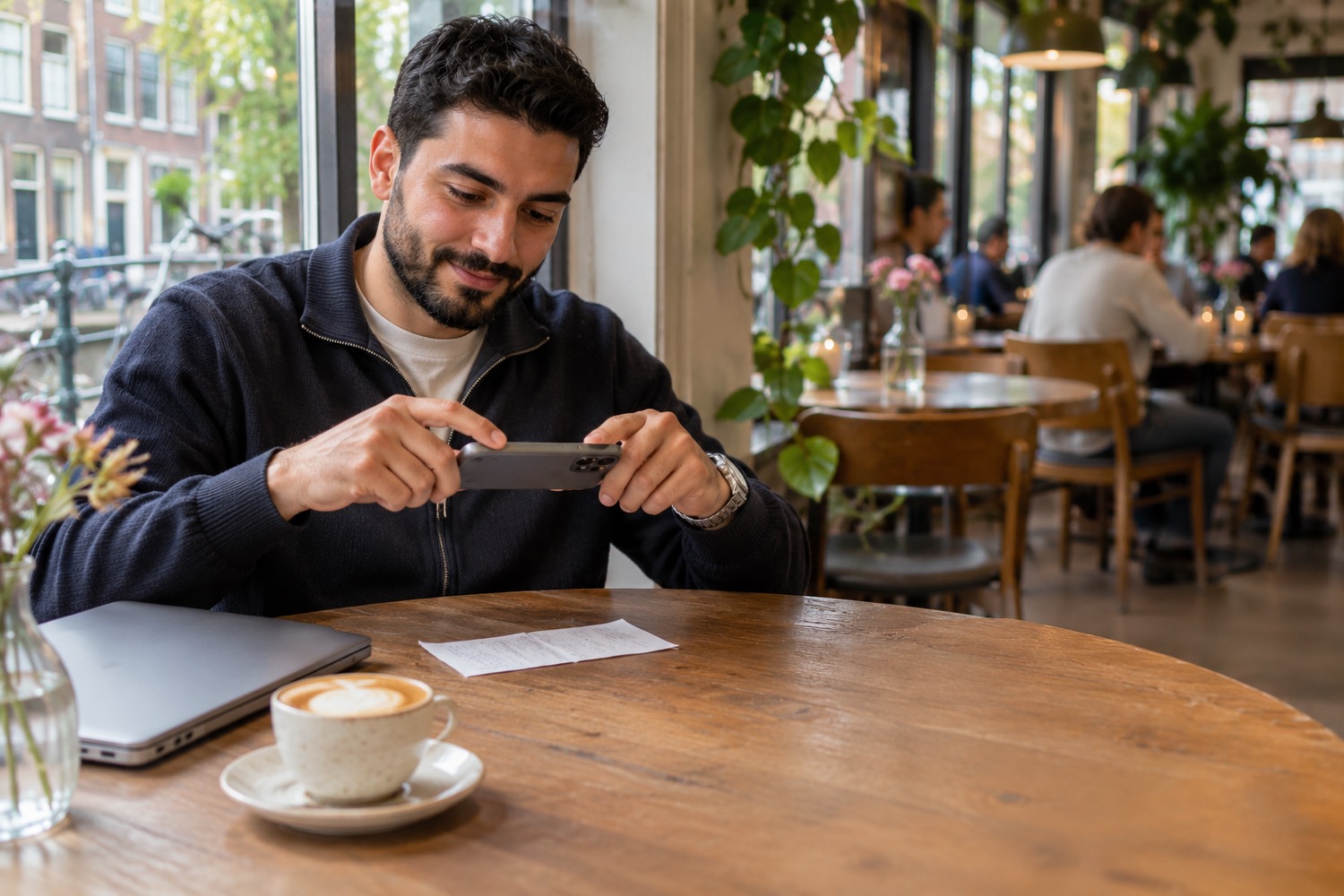
A receipt shows VAT you get back, and costs that lower your tax. Take a photo or upload the PDF. Turn on automatic reading and the program reads it for you. You only check that it is right.

Keeping receipts is in Plus and Pro. For the first 30 days you work with everything in Pro, without payment details.

  • Photo or PDFWith your phone or from your computer.
  • Read by itselfShop, date, amount and VAT are already filled in.
  • Counts right awayFor your VAT return and your income tax.
  • Kept safelyEverything in one place, for you and your accountant.
Add receipt
Hardware store, 14 October
Amount€ 48,40
Of which VAT 21%€ 8,40
Type of costTools

Is this right?

Yes, saveEdit
Read in a few seconds

A receipt in your coat pocket does not help you.

A business receipt often shows VAT you get back, and the costs lower your profit. But only if you still have the receipt and know what is on it.

With us

You take a photo, and the receipt counts for your VAT and your income tax. You see right away where it ends up.

What the program does with your receipts

All you do yourself is take the photo. You learn the rest along the way, with an explanation for everything that is new.

Receipts
  • Hardware storePhoto · 14 October
    − € 48,40Done
  • Web hostingPDF · 1 October
    − € 12,10Done
  • Petrol stationPhoto · 12 October
    − € 65,00To check

Record

A photo, or the PDF from your e-mail

A receipt from the shop you photograph with your phone. An invoice you get as a PDF, you upload. Both end up in the same place.

  • Also receipts from before your start, if you still have them
  • You can always add a note
Check receipt
Petrol station, 12 October
Amount€ 65,00
Of which VAT 21%€ 11,28

Is this right?

Yes, saveEdit

Read

The program reads it for you

Turn on automatic reading and the program takes the shop, the date, the amount and the VAT from your receipt. You check that it is right and save it.

VAT return
5bVAT you get back€ 86Copy
12 receipts this quarter

Count

Your VAT and your costs count right away

Every receipt counts in your VAT return (the VAT you get back) and in your profit for income tax. You do not have to retype anything.

How it works, in three steps

  1. Photo

    Take a photo of your receipt, or upload the PDF.

  2. Check

    The program reads it for you. You check that it is right.

  3. Done

    It counts right away for your VAT and your tax.

Receipt? Photo. Done. That is all I have to do.

No more shoebox

Your receipts in one place, always at hand

No more pile of paper in a drawer. You see at a glance what you have spent, and so does your accountant.

  • Every receipt with its photo
  • You always know how much VAT you get back
  • You learn as you go which costs you may deduct

Frequently asked questions

Do I also have to keep my paper receipt?
You have to keep your records for 7 years. A good photo or PDF of your receipt is enough for that, as long as it is readable.
What if the program reads something wrong?
Then you correct it before you save. You always check yourself that it is right.
Can I claim back all the VAT on my receipts?
Only the VAT on business costs, and you need a receipt or invoice for it. Food and drink in a restaurant have different rules.
Is this in every package?
Keeping receipts is in Plus and Pro. In the first 30 days you work with everything in Pro.

Start with your first receipt

Create your account and photograph your first receipt. You learn the rest along the way.